
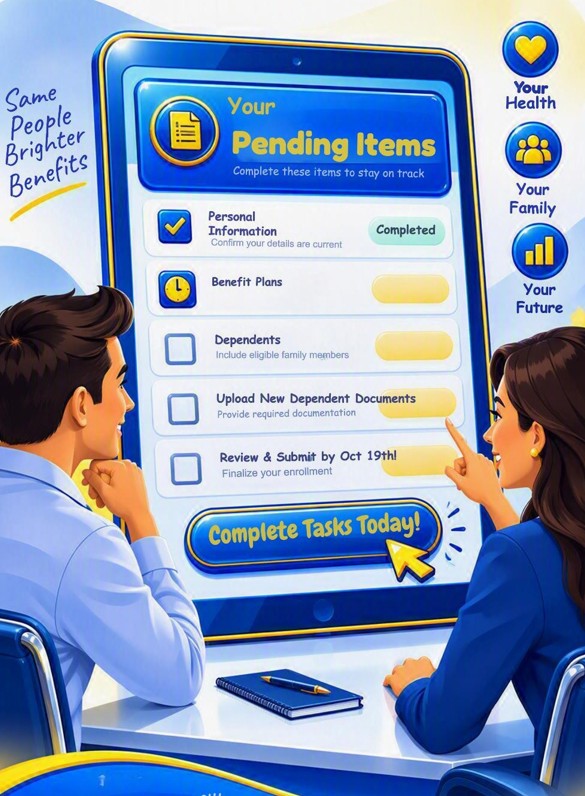

Welcome to Your Benefits Website
‼️Active Open Enrollment means you must re-elect your medical coverage, Gap plan, Medical Flexible Spending Account, Dependent Care Flexible Spending Account, and Health Savings Account each year. Your prior year elections will not automatically carry over. If you do not take action, these benefits will end on 12/31/26.

Information about your Benefits
Everything You’ll Need
 Active Open Enrollment runs from October 5th through October 19th!
1. Review
|
2. Choose How to Enroll
|
3. Confirm
|
⇒ Call Center Enrollment is available from Oct 6th through the 19th!

Call Center Hours: 9 AM – 6 PM EST. (Weekdays only)
Call Center Number: 561.221.1493
 No appointment is necessary! Don’t miss this opportunity to ensure your benefits—act today! If you need help scheduling, call 800.282.0732 from 9am – 5pm.
⇒ Self-enroll 24/7 through PlanSource starting Oct 5th at 12:01 am EST!
⇒ Visit benefits.plansource.com >Once logged in >Go toBenefits >Manage My Benefits.
Your user credentials were sent by email from [email protected], and your temporary password is your date of birth in “YYYYMMDD” format.
 The self-service site is available until October 19th at 11:59 pm EST. For HR assistance, please submit a ticket to [email protected].
⇒ On-Site Enrollment: Available at our locations from Oct 6th through Oct 16th!
Schedule an appointment through your Campus Admin or Campus President to meet one-on-one with a Benefits Counselor and discuss your benefits, Monday through Friday from 9 AM – 5 PM!

Benefits Counselors from Daybright Broker Solutions can help with: understanding available benefit options, answering basic plan questions, including copays, deductibles, and qualifying events, and completing or reviewing your enrollment in PlanSource.
⇒ Quick Resources
⏩Click to watch the 2027 Benefits Webinar before completing your Enrollment!
⏩️Complete the Annual Physical Exam Attestation Form by 9/30/26 to receive the wellness rate! [Click Online Print it]
⏩Evidence of Insurability Form [Click here]
⏩Declaration of Domestic Partner Agreement [Click here]
⏩Declaration of Domestic Partnership Termination [Click here]
⏩1095-C forms: Go to benefits.plansource.com >Documents on the left toolbar > Tax Documents > Download the form!
⏩Benefit Offering Directory
Please scroll down to review the Everglades College Inc. plan benefit options before connecting with a Benefit Counselor at 561.221.1493!

Healthcare Savings Account – HSA- HDHP through Employee Benefits Corporation (EBC).

Flexible Spending Account – FSA through Employee Benefits Corporation (EBC).
GAP – Plan through Fidelity Security Life (FSL GAP)
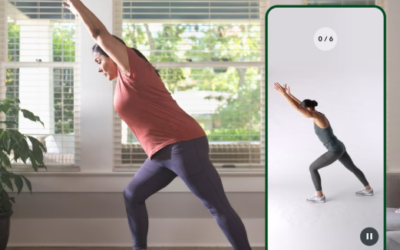
Hinge Health 101

Dental Plan – Cigna
Vision Plan – Cigna

Basic Life Insurance + AD&D and Supplemental Life Insurance + AD&D through UHC

Short / Long – Term Disability Plan through UHC

Legal & Theft Protection through Legal Shield

Worksite Benefits (Accident,Critical Illness & Hospital Indemnity)

Beyond Med Wellness Plan